A privacy-conscious approach
Privacy policy
Accounts, transactions, budgets and goals stay on your computer. No account, no advertising, no telemetry, no connection to your bank.
Privacy policy
Budgets, savings goals and spending tracking. Private, offline, no account.
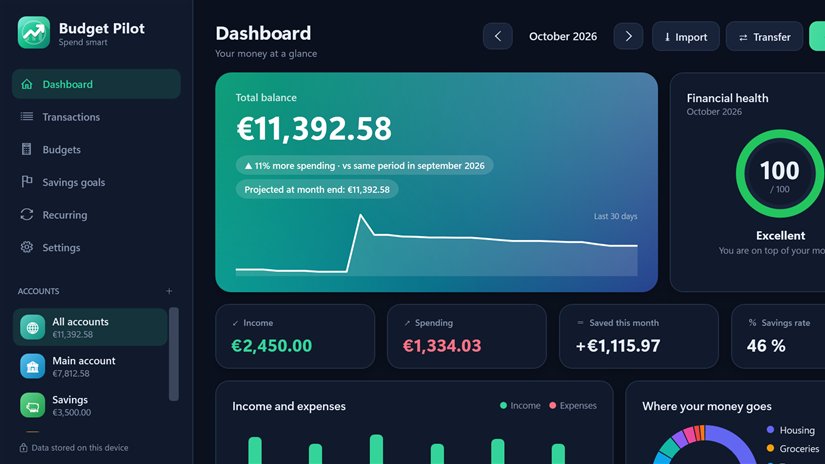
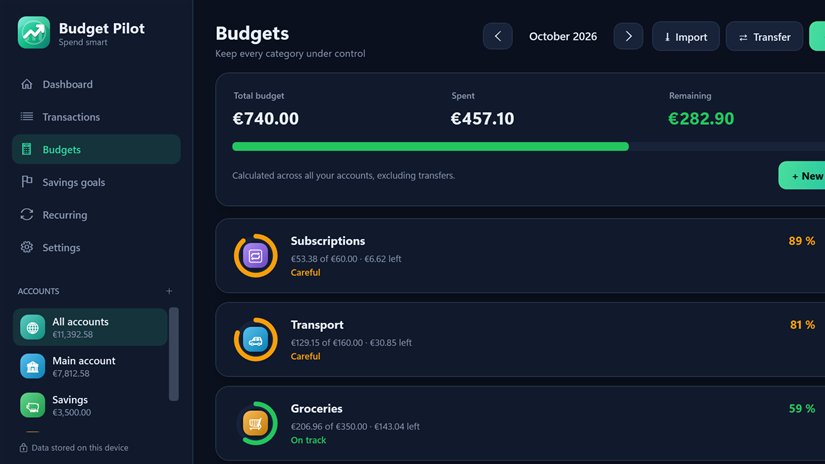
Budget Pilot shows you where your money goes and helps you spend it better. Track your accounts, income and spending, set a monthly limit per category and get a warning before you go over it.
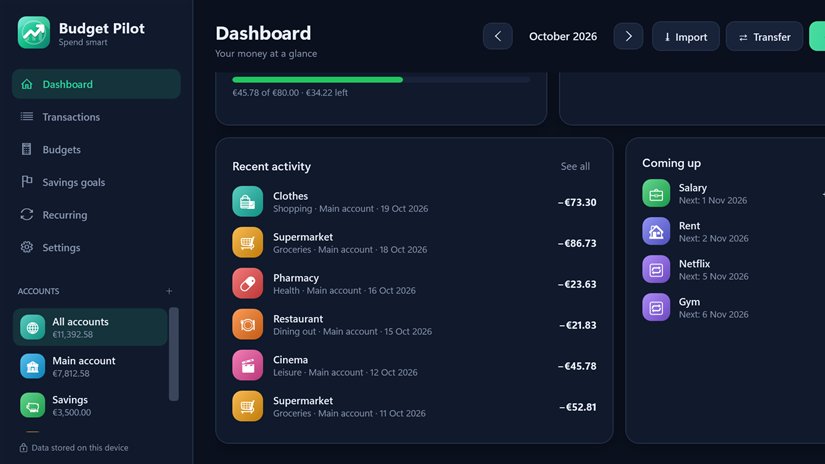
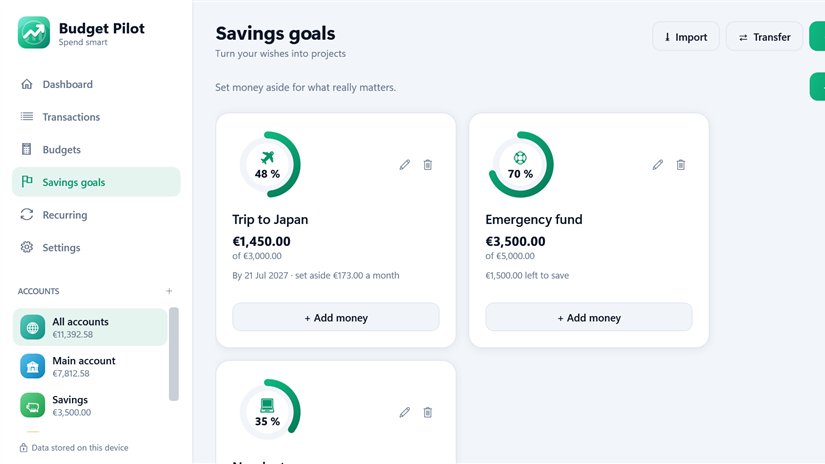
Save for what matters with goals that tell you how much to set aside each month. Rent, salary and subscriptions record themselves, and importing your bank’s CSV file replaces typing by hand.
Your data stays on your computer: no account, no bank connection, no advertising. The financial health score and the tips are indicative and do not replace professional advice.
Key features
Application screenshots
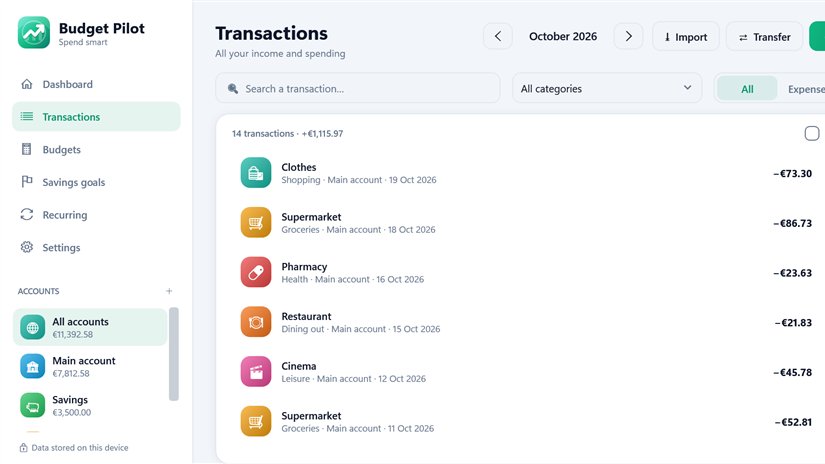
A privacy-conscious approach
Accounts, transactions, budgets and goals stay on your computer. No account, no advertising, no telemetry, no connection to your bank.
Privacy policySupport
Email Studio501 with the application name, your device and a precise description.
Get support