A privacy-conscious approach
Privacy policy
Projects remain on the device unless the user exports or shares them. No account and no advertising.
Privacy policy
Turn procedures into clear decision trees, diagnostic guides and interactive journeys.
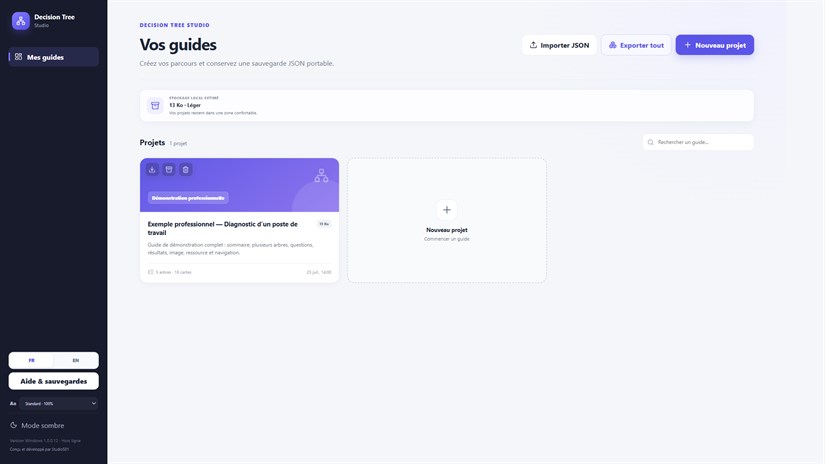
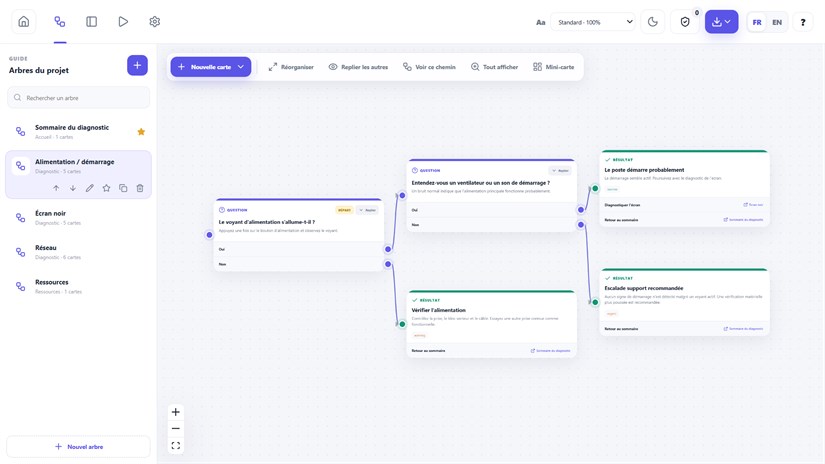
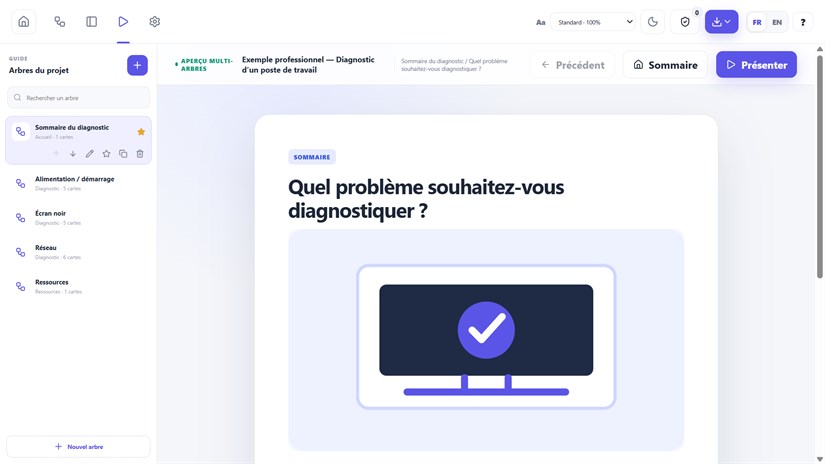
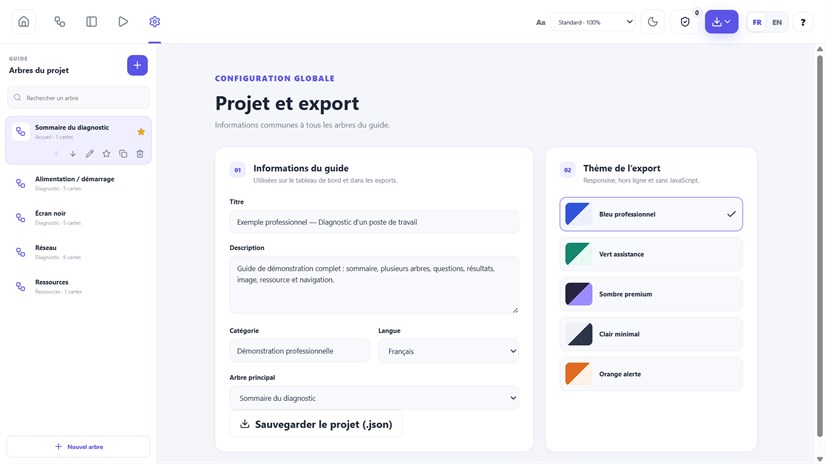
Decision Tree Studio turns complex procedures into visual journeys that are easy to create and follow.
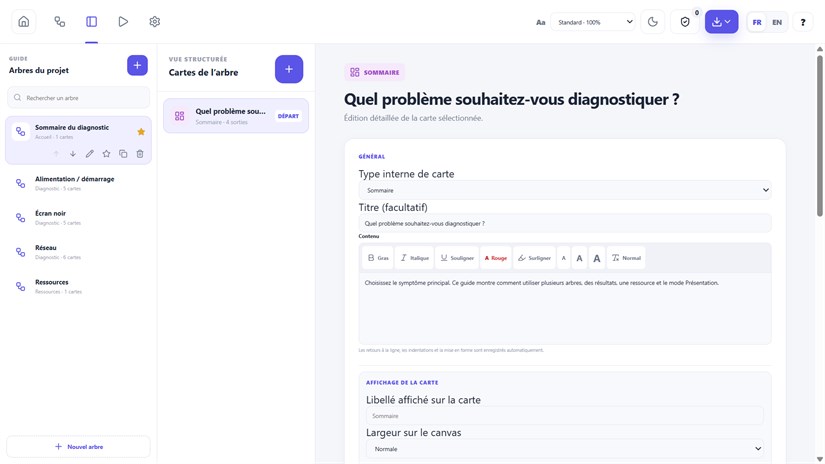
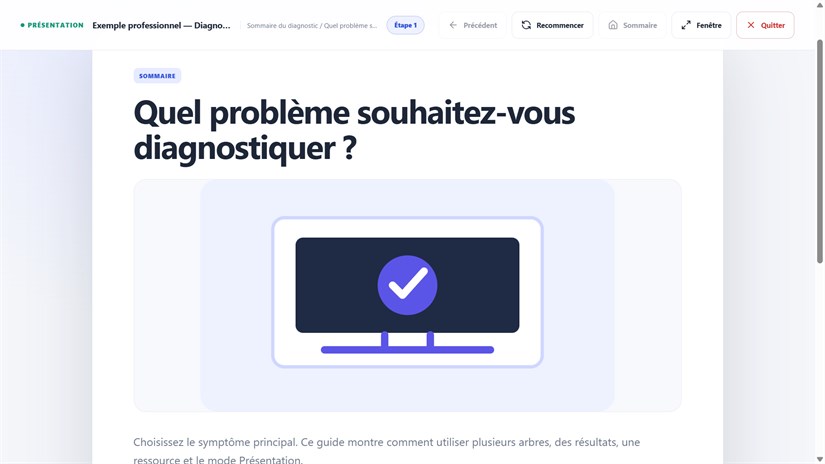
Designed for support, training, troubleshooting and internal procedures, it brings editing and presentation together in a clear interface.
Free seven-day trial through Microsoft Store, then a one-time purchase: €19.99 in France. Microsoft displays the local price in other countries. No subscription.
Key features
Application screenshots
A privacy-conscious approach
Projects remain on the device unless the user exports or shares them. No account and no advertising.
Privacy policySupport
Email Studio501 with the application name, your device and a precise description.
Get support